1. Download
Download the BazzBasic binary from GitHub Releases.
Extract the .zip package to a folder of your choice.
If your firewall warns you about BazzBasic, you can safely ignore it. You may need to set an exception in some cases.
2. Run
Browse to the folder where you extracted bazzbasic.exe.
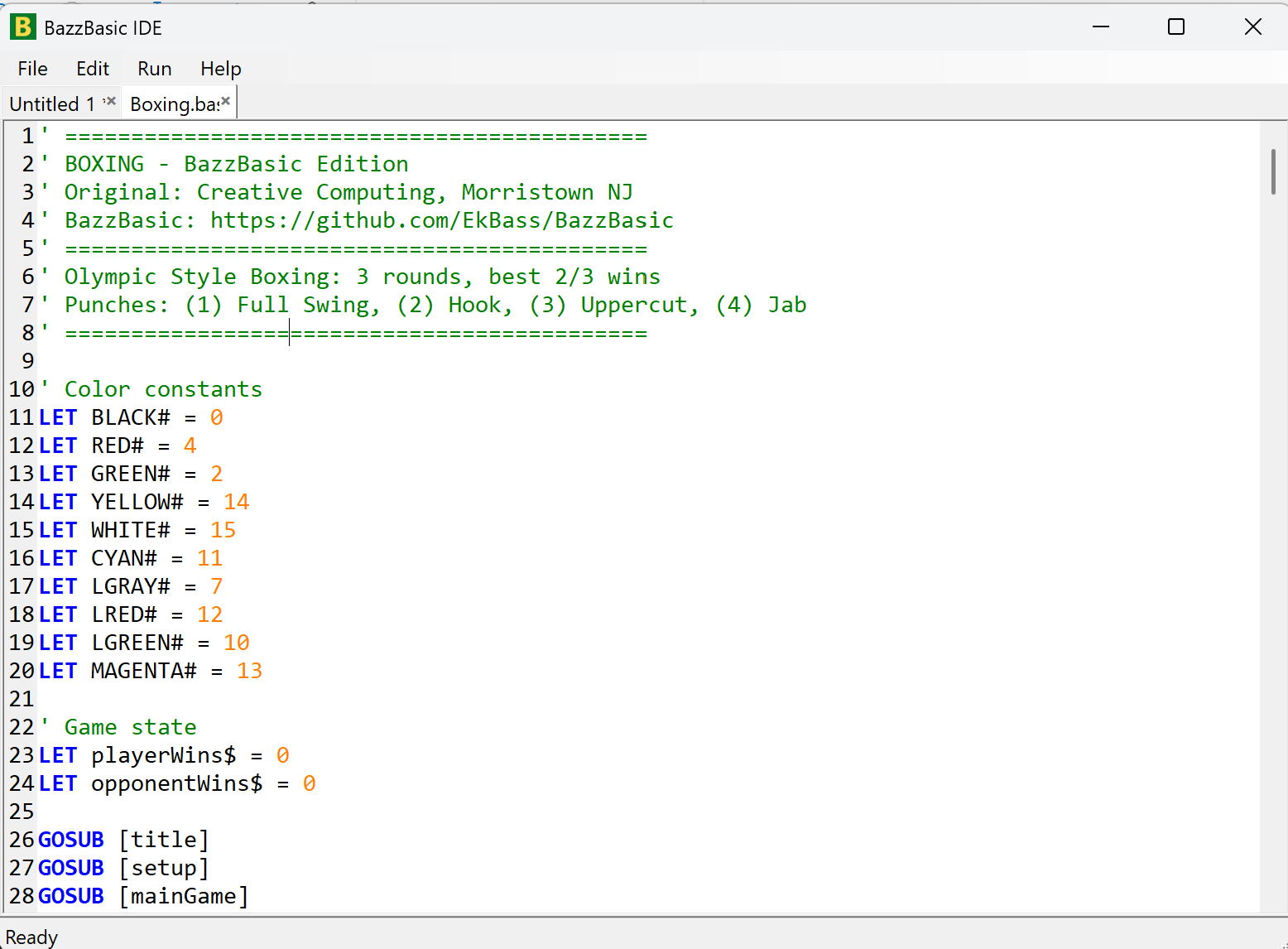
Double-click bazzbasic.exe — the IDE opens.
Explore the Examples subfolder to start the fun.
Read the Manual or the Beginner's Guide to learn more.
3. Editor
The built-in IDE is intentionally simple — just enough to get curious.
BazzBasic syntax highlighting is also available for Notepad++, Geany and Visual Studio Code.
Read more at GitHub.